 28 Jul 25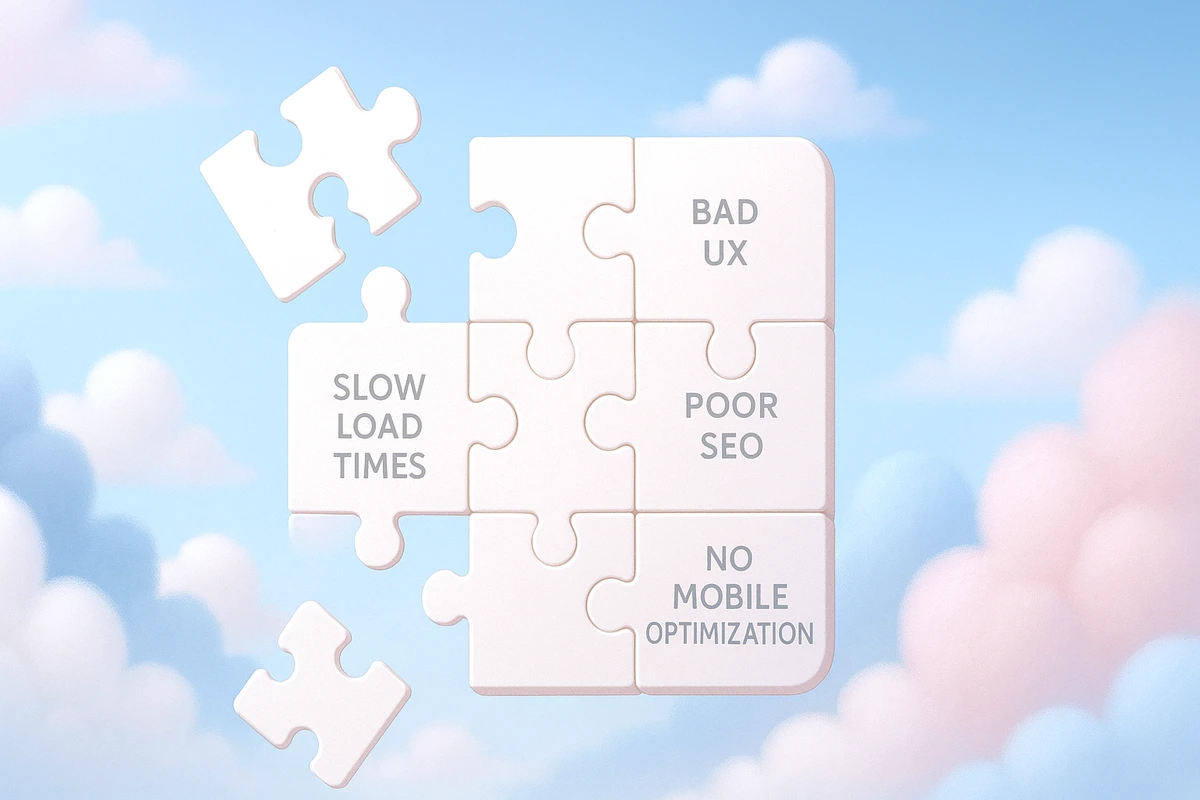
Even experienced developers fall into common traps that hurt performance, SEO, or usability. Here’s your 2025 guide to spotting and fixing the most frequent web development mistakes before they cost you users, rankings, or revenue.
Common Web Development Mistakes and How to Avoid Them
Building a modern website or web app isn’t easy. Between frameworks, CMS platforms, design tools, performance metrics, SEO rules, and accessibility guidelines, it’s easy to get overwhelmed—and even easier to make mistakes.
But in 2025, your users are less forgiving than ever.
That’s why we’ve created this in-depth guide to the most common web development mistakes—from performance killers to design missteps—and how to fix them before they ruin the user experience or damage your business.
Whether you’re building with React, WordPress, Webflow, or anything in between, this post will help you ship better, faster, cleaner web experiences.
1. Not Optimizing for Core Web Vitals
Mistake: Ignoring Google’s Core Web Vitals leads to poor performance and lower SEO rankings.
Why It Hurts:
- Slower load times = higher bounce rates
- CLS (Cumulative Layout Shift) annoys users
- Poor LCP (Largest Contentful Paint) affects perceived speed
- Google penalizes slow, unstable experiences
How to Fix It:
- Optimize images (WebP, AVIF, lazy load below the fold)
- Minify and defer JS
- Inline critical CSS
- Use
font-display: swapto avoid invisible text - Avoid layout shifts by defining size attributes (
width/height) for images, iframes, and ads
Example: A client’s homepage dropped from 6.1s LCP to 1.8s after lazy-loading images and deferring scripts—ranking jumped from page 2 to the top 5.
2. Poor Mobile Responsiveness
Mistake: Designing only for desktop, or using outdated breakpoint strategies.
Why It Hurts:
- Over 70% of global traffic is mobile
- Google uses mobile-first indexing
- Unresponsive layouts = frustrated users and lost conversions
How to Fix It:
- Use responsive frameworks (Tailwind, Bootstrap, or CSS Grid/Flexbox)
- Test on real devices (not just browser resizers)
- Avoid fixed widths and absolute positioning
- Use
clamp()for fluid typography - Use media queries for layout adjustments at key breakpoints (e.g., 640px, 768px, 1024px)
WordPress/Webflow Tip: Always preview pages in all viewports—even if the theme claims to be responsive.
3. Bloated Code and Unused CSS
Mistake: Shipping unnecessary libraries, unused styles, and overly verbose markup.
Why It Hurts:
- Slows down rendering
- Hurts performance and maintainability
- Confuses future devs (or your future self)
How to Fix It:
- Remove unused CSS with tools like PurgeCSS or built-in Vite/Next.js tree shaking
- Split JS into smaller, dynamic imports
- Replace jQuery with native JS
- Avoid massive CSS frameworks if you’re only using 10% of their utility classes
- Use semantic HTML to reduce div soup
Example: We cut load time by 40% on a blog just by removing unused styles from a theme.
4. Ignoring Accessibility (a11y)
Mistake: No alt text, missing labels, unreadable contrast, or broken keyboard navigation.
Why It Hurts:
- You’re excluding users with disabilities
- It’s a legal risk (ADA, WCAG compliance matters)
- Poor a11y = lower SEO and engagement
How to Fix It:
- Use semantic HTML (
<nav>,<main>,<section>,<button>) - Add
altattributes to all images - Test color contrast (use tools like Stark or Chrome DevTools)
- Ensure full keyboard navigation
- Use ARIA labels where necessary (but don’t overdo it)
Pro tip: Install the axe DevTools browser extension for quick accessibility audits.
5. SEO Basics Ignored
Mistake: Skipping meta tags, incorrect heading structures, or missing canonical URLs.
Why It Hurts:
- Search engines struggle to understand your content
- Duplicate content can ruin rankings
- No meta = no click-throughs
How to Fix It:
- Set proper title and meta description for every page
- Use one
<h1>per page, with logical hierarchy (h2,h3, etc.) - Include canonical URLs for duplicate or paginated content
- Use semantic tags for better context (
<article>,<header>, etc.) - Add structured data (JSON-LD) for rich snippets
WordPress Tip: Use SEO plugins like Yoast or Rank Math
Webflow Tip: Fill out SEO settings for each page and CMS item
6. Overusing Animations
Mistake: Too many entrance animations, page transitions, or parallax effects.
Why It Hurts:
- Slows down the experience
- Causes motion sickness or confusion
- Often breaks on mobile
How to Fix It:
- Use animation for emphasis, not distraction
- Prefer
transformandopacity(GPU-accelerated) overtop/left - Respect
prefers-reduced-motionuser setting - Avoid JS-heavy animation libraries unless absolutely needed
- Test on low-end devices before launch
Example: A SaaS landing page cut 700ms off load time by removing three animated background layers.
7. No Error Handling or 404 Pages
Mistake: Broken links lead to ugly browser errors, or worse—blank white pages.
Why It Hurts:
- Frustrates users
- Breaks trust
- Stops conversions cold
How to Fix It:
- Create a branded 404 page with navigation and search
- Log and track broken links
- Use error boundaries in React/Vue for UI crashes
- Add try/catch around API calls
- Gracefully handle network errors and empty states
8. Inconsistent Design Across Pages
Mistake: Styles, spacing, buttons, or typography vary between sections.
Why It Hurts:
- Looks unprofessional
- Confuses users
- Hurts brand trust
How to Fix It:
- Use a global design system or style guide
- Set up CSS variables or Tailwind config for colors, spacing, fonts
- Use reusable components (Webflow symbols, React/Vue components)
- Implement a review checklist before pushing pages live
Pro tip: Figma + Storybook (or Webflow style guide pages) = perfect combo for consistency
9. Not Backing Up or Version Controlling
Mistake: Making live edits on production without backup or Git.
Why It Hurts:
- One mistake can crash the site
- No rollback when things break
- Collaborators can overwrite each other
How to Fix It:
- Use Git for all custom codebases
- Create staging environments
- Schedule regular backups (especially on WordPress)
- Use GitHub/Bitbucket + CI/CD pipeline
- For Webflow, duplicate projects before major edits
10. Skipping Testing
Mistake: Launching without cross-browser, cross-device, or user testing.
Why It Hurts:
- Bugs slip through
- Poor experience on certain devices
- Users churn before you know what went wrong
How to Fix It:
- Test in Chrome, Firefox, Safari, Edge
- Test on mobile (iOS and Android)
- Use tools like BrowserStack for device simulation
- Get real user feedback in staging
- Monitor errors in production with tools like Sentry or LogRocket
Bonus: Mistakes Specific to Popular Platforms
WordPress
- Too many plugins slow down performance
- Not using child themes leads to lost customizations on updates
- Auto-updates can break things—test first!
Webflow
- Overuse of interactions = heavy DOM
- CMS collection limits hit fast
- Hidden elements still load (be careful with
display: none)
Final Thoughts
Every web developer—no matter how experienced—makes mistakes. The goal isn’t perfection. It’s awareness, consistency, and improvement.
By avoiding these common pitfalls and implementing the simple fixes we’ve shared, you can build faster, better, more resilient websites that rank higher, convert better, and deliver a world-class user experience.
Want help auditing your site for performance, SEO, or UX issues? Let’s schedule a free strategy session
We’ll walk you through what’s broken—and how to fix it before it costs you users.